Before the graphical interface, the computer terminal defined how we spoke to machines.
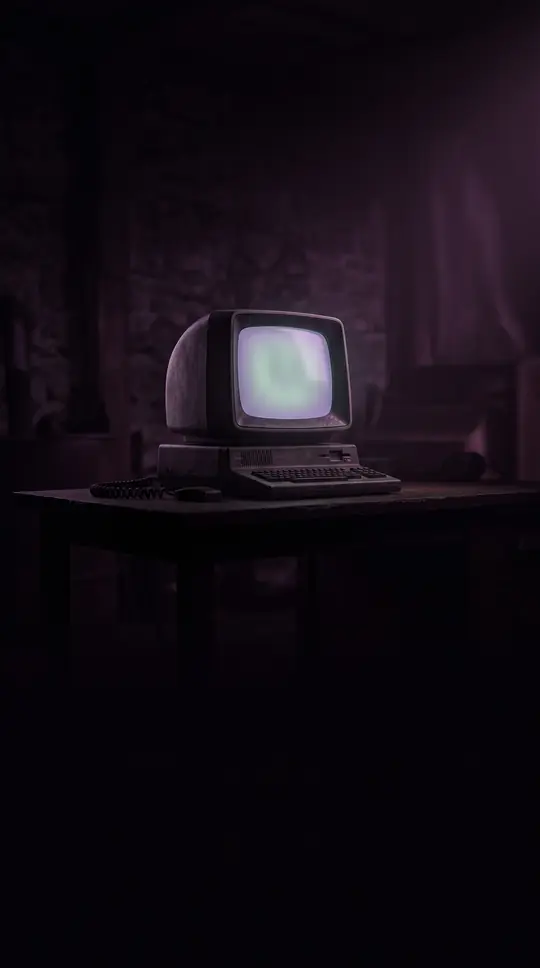
In short: Long before modern screens, computer terminals were the essential bridge between human intent and machine processing. From electromechanical teleprinters to the iconic video displays of the 1970s, these devices evolved from simple text-printing machines into sophisticated interfaces that shaped the very layout of the keyboards we use today.
The earliest computer terminals were not screens, but electromechanical teleprinters like the Teletype Model 33. These devices, rooted in telegraphy, printed data onto paper at a sluggish ten characters per second. By the 1950s, innovators began experimenting with cathode-ray tubes (CRTs) to display graphical data, though text-based interaction remained the standard for decades. The transition from printing terminals to video display units (VDUs) accelerated in the 1970s, as time-sharing systems made computing accessible to more users.
The 1970s marked the 'classic era' of the VDU, characterized by the rise of devices like the VT100. These terminals relied on logic gates and early microprocessors to manage text, cursor movement, and screen formatting. Because manufacturers often used incompatible control codes, software developers created databases like termcap and terminfo to help systems communicate with diverse hardware. This era also standardized the 80-character line width, a convention inherited from the dimensions of IBM punched cards.
While terminals were eventually displaced by networked personal computers in the 1990s, their legacy persists. The keyboard layout of the DEC VT220 terminal directly influenced the IBM Model M, which established the standard for modern computer keyboards. Today, the physical terminal has largely vanished, replaced by terminal emulator applications like PuTTY or Windows Terminal. These digital tools continue to provide access to the command-line interfaces that once required a dedicated, room-sized machine to operate.
Opens the Intellect+ feed with this card first. Swipe up for the next one.
Sources
- Summary by Intellect · source: Computer terminal
To cite this card, link to https://intellectplus.co.uk/app/culture-computer-terminal.
How we source, check and correct cards: Editorial standards.
General information, not professional advice. Spotted an error? Flag the card or see corrections and complaints.
Intellect Plus is a visual educational discovery platform for exploring fascinating facts and ideas. Brain Food, Not Brain Rot. What is Intellect Plus?
Related
More in Languages · More in Cultures · Latest · A–Z · All topics
