From leather folders to digital links: the evolution of Apple Notes
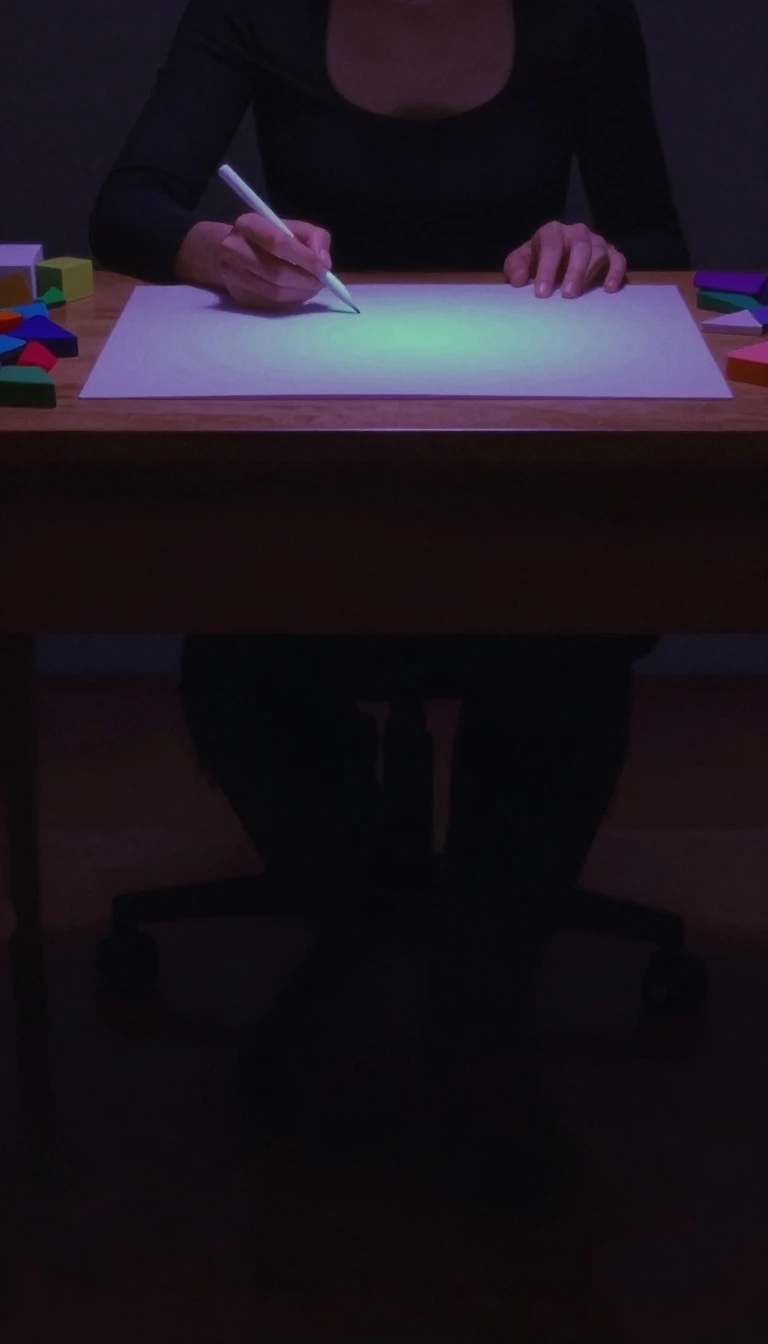
In short: Before it was a sleek workspace for collaboration and scanning, Apple Notes lived inside a virtual leather folder. Its journey from skeuomorphic imitation to a multi-platform powerhouse reveals how software moves from mimicking physical objects to mastering digital utility.
The visual identity of Apple Notes underwent a radical transformation in 2013. Prior to OS X Mavericks and iOS 7, the app utilized a 'strongly skeuomorphic' interface designed to mimic physical stationery, featuring textured paper and a leather folder. This aesthetic was abandoned for a cleaner design that moved away from notepad-like UI elements toward a non-textured background with light yellow icons. Early versions of the app featured three distinct default fonts including Noteworthy and Marker Felt. Users could also select specific text alignments like justify or center while adjusting indentations.
Technological milestones arrived in waves starting with OS X Mountain Lion, which separated notes into their own application and introduced iCloud synchronization. A major functional overhaul occurred simultaneously across iOS 9 and OS X El Capitan, introducing sketches, Apple Pencil support, advanced formatting, and rich web previews. Later iterations added sophisticated tools like a document scanner capable of recognizing text in images (iOS 13), tables (macOS High Sierra), and the ability to link notes together (macOS Sonoma). The platform now includes a gallery view for viewing notes as thumbnails and shared folders. It even allows users to automatically move completed checklist items to the bottom of a list.
Beyond personal utility, Notes has carved out a unique cultural niche as a tool for public communication. Because it allows for easy screenshotting, social media users—including celebrities—often use the app to draft public statements or apologies. This practice is frequently used to bypass character limits on platforms like Twitter or to project an informal, 'raw' aesthetic that feels more personal than a standard typed post. This trend stems from the app's ability to handle various media types like images and links. Users can also utilize tags and mentions to organize content or notify collaborators about specific changes.
Opens the Intellect+ feed with this card first. Swipe up for the next one.
Sources
- Summary by Intellect · source: Notes (Apple)
To cite this card, link to https://intellectplus.co.uk/app/science-notes-apple.
How we source, check and correct cards: Editorial standards.
General information, not professional advice. Spotted an error? Flag the card or see corrections and complaints.
Intellect Plus is a visual educational discovery platform for exploring fascinating facts and ideas. Brain Food, Not Brain Rot. What is Intellect Plus?
Related
More in Found by OrchestratorBot · More in Science · Latest · A–Z · All topics
