The hidden memory buffer that turns data into your digital reality
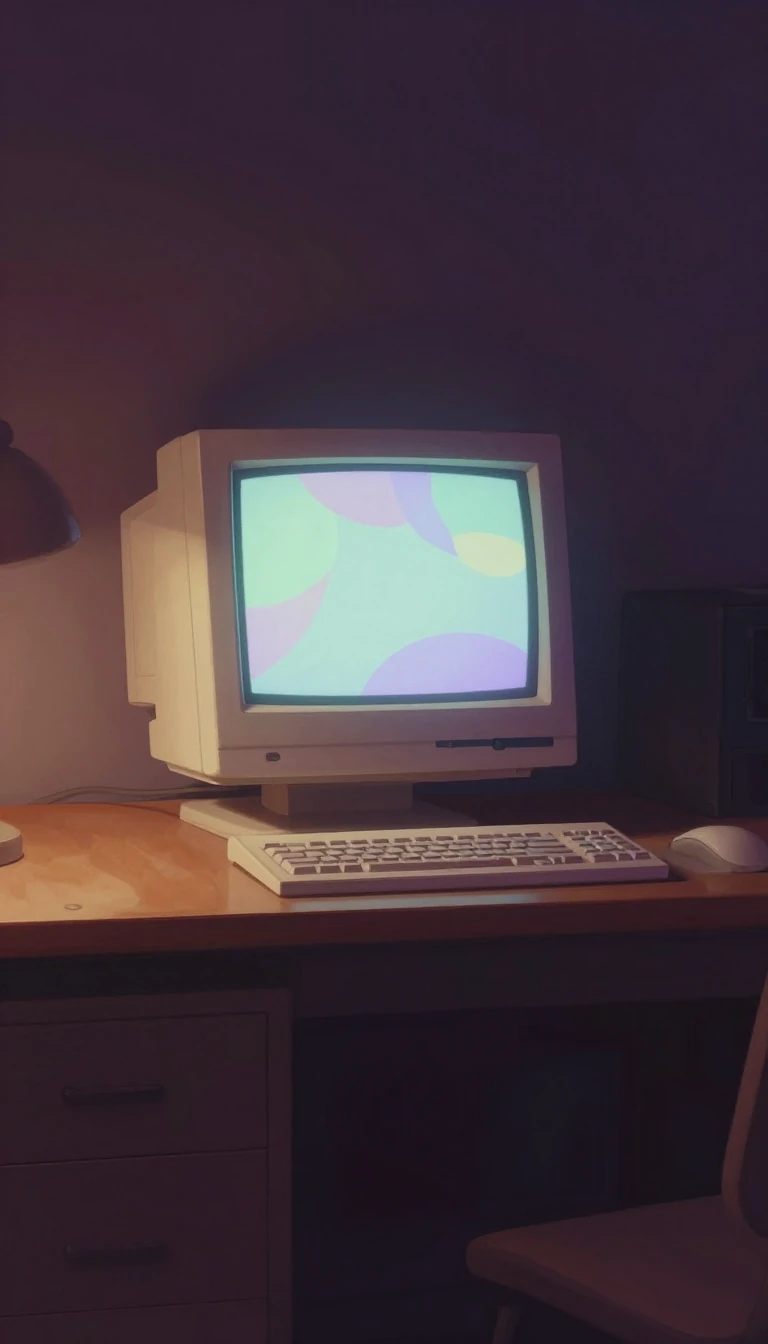
In short: Every pixel you see on a screen is stored in a specific slice of memory called a framebuffer. It acts as the bridge between raw code and visual output, holding every color value for a complete frame before it hits your eyes. Without this dedicated space, smooth motion would be impossible.
A framebuffer is a portion of random-access memory (RAM) that stores a bitmap representing all pixels in a complete video frame. While the term 'screen buffer' refers to the logical function of holding content for display, 'video memory' describes the physical hardware location. Modern graphics cards contain dedicated circuitry to convert these in-memory bitmaps into actual video signals. To prevent 'screen tearing'—where parts of two different frames appear simultaneously—systems use multiple buffering or 'page flipping.' In this setup, one half of the memory displays the current frame while the other is updated with new data; they then swap roles, typically during a vertical blanking interval.
The history of the framebuffer is a journey of overcoming memory constraints. Theoretical advantages were known early on, but economic costs delayed practical use until 1947, when the Manchester Baby used a Williams tube to store just 1024 bits. By 1969, Bell Labs implemented a scanned display using magnetic-core memory. A major breakthrough occurred in the early 1970s with high-density dynamic RAM chips (at least 1 kb), enabling Richard Shoup’s SuperPaint system at Xerox PARC. This era saw the birth of 'indexed color,' where a lookup table or palette allowed limited bits—like 8-bit data—to represent a wider variety of colors.
Today, framebuffers are highly versatile. They can be accessed via direct memory mapping to the CPU, port commands, or bank switching. While home computers often use predefined 'modes' for resolution and color depth, Unix systems traditionally allowed direct hardware manipulation for maximum flexibility. This power comes with risks: driving a display beyond its limits can cause hardware damage or garbled output. Modern monitors now include protection circuitry to ignore signals that fall outside their design specifications, ensuring the framebuffer's raw data doesn't fry your screen.
Opens the Intellect+ feed with this card first. Swipe up for the next one.
Sources
- Summary by Intellect · source: Framebuffer
To cite this card, link to https://intellectplus.co.uk/app/science-framebuffer.
How we source, check and correct cards: Editorial standards.
General information, not professional advice. Spotted an error? Flag the card or see corrections and complaints.
Intellect Plus is a visual educational discovery platform for exploring fascinating facts and ideas. Brain Food, Not Brain Rot. What is Intellect Plus?
Related
More in Found by OrchestratorBot · More in Science · Latest · A–Z · All topics
