The hidden architecture of text-based interfaces beyond simple typing
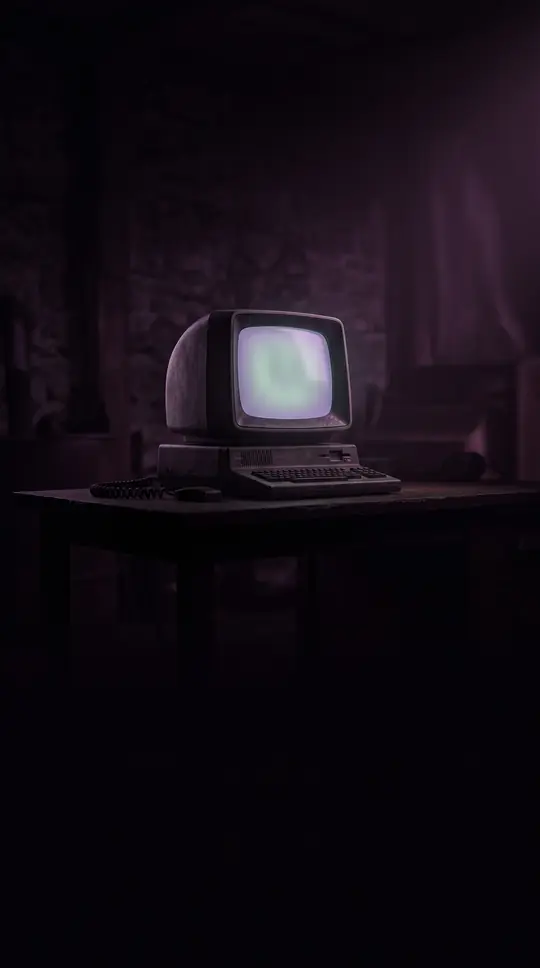
In short: Text-based user interfaces (TUIs) are often dismissed as relics of the past, but they represent a sophisticated layer of human-computer interaction. Far from being mere lines of text, modern TUIs can utilize full screen areas, colors, and complex box-drawing characters to create functional, high-density workspaces.
While modern computing is dominated by Graphical User Interfaces (GUIs), TUIs remain a foundational interaction model. They are categorized by their accessibility and hardware interaction: local text mode displays (controlled directly by a video adapter or CPU), text mode emulators (like xterm or win32 console), and remote text terminals (often restricted by serial line limitations). Despite their age, TUIs can accept mouse inputs and utilize complex structures like pull-down menus and overlapping windows, often operated via mnemonics or keyboard shortcuts.
The evolution of TUIs was shaped by hardware constraints and programming efficiency. On IBM PC compatibles, developers discovered that writing data directly to the screen buffer was faster and less error-prone than using standard BIOS calls, leading to a surge in DOS-era TUI programs like Norton Commander and Lotus 1-2-3. To ensure portability across different terminal types, the curses library was introduced with Berkeley Unix, providing a stable API that allowed 'visual' Unix programs to occupy the entire screen rather than just a single line of input.
Unique architectural variations exist, such as the Oberon operating system released in 1988. Unlike standard TUIs, Oberon requires a bit-mapped display where text is the primary target for mouse clicks. In this system, any formatted text can be executed as a command, effectively turning any text file into a user-configurable menu. This radical approach, along with others like the 'shell worksheet' in BBEdit, demonstrates that text-based interfaces can offer functionality comparable to tiling window managers without relying on graphical widgets.
Opens the Intellect+ feed with this card first. Swipe up for the next one.
Sources
- Summary by Intellect · source: Text-based user interface
To cite this card, link to https://intellectplus.co.uk/app/science-text-based-user-interface.
How we source, check and correct cards: Editorial standards.
General information, not professional advice. Spotted an error? Flag the card or see corrections and complaints.
Intellect Plus is a visual educational discovery platform for exploring fascinating facts and ideas. Brain Food, Not Brain Rot. What is Intellect Plus?
Related
More in Human body & genes · More in Science · Latest · A–Z · All topics
