Why your computer ports are shaped like squares, circles, and trapezoids
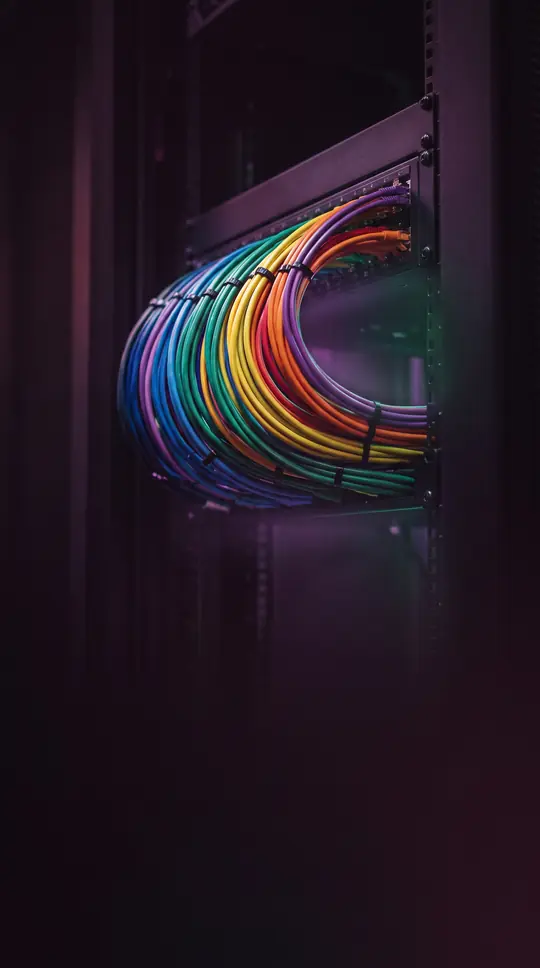
In short: A computer port is more than just a hole in your machine. It is a sophisticated hardware interface designed to bridge the gap between digital signals and physical reality. From the evolution of hot-swapping to the clever mechanics of auto-detection, these connections define how our devices communicate and share power.
At its core, a hardware port is a physical interface where electrical connectors link a computer to peripherals or networks. These ports transfer data signals through contact points between the device and its cable. Historically, designers preferred female connectors on the computer side because bent pins are significantly easier to replace on a cable than on a fixed motherboard interface. While modern ports often follow standardized shapes—ranging from rectangular USB outlets to trapezoidal D-Sub connectors—this was not always the case. Early systems, such as the original IBM PC, frequently used identical physical connectors for entirely incompatible functions, leading to confusion when a single 9-pin port might serve as a video output, a joystick interface, or a MIDI musical instrument control.
Modern computing has moved toward greater convenience through plug-and-play and hot-swappable technology, allowing users to connect devices while the system is running. Advanced auto-detect ports take this further by identifying the attached hardware and dynamically assigning the port's purpose. For instance, a standard 1/8-inch audio jack can be configured as an input or output, or assigned to specific surround sound channels based on user input. Beyond simple data transfer, some connections serve dual roles; 6-pin FireWire ports, for example, include dedicated conductors to provide electrical power to external devices like camcorders, a feature often omitted in laptop versions due to power constraints.
As technology advances, the physical nature of these connections continues to evolve. While metal wires remain the standard for most personal computing, alternative methods like optical fiber use polished glass or plastic interfaces to transmit signals, sometimes utilizing specialized oils to reduce light refraction. Innovations like hardware port trunking allow multiple physical ports to combine into a single, high-bandwidth connection, offering both increased speed and fault tolerance. Meanwhile, the 2014 introduction of the USB-C standard addressed the frustration of orientation by utilizing a reversible, symmetric pinout, marking a shift toward more user-friendly hardware design.
Opens the Intellect+ feed with this card first. Swipe up for the next one.
Sources
- Summary by Intellect · source: Computer port (hardware)
To cite this card, link to https://intellectplus.co.uk/app/technology-computer-port-hardware.
How we source, check and correct cards: Editorial standards.
General information, not professional advice. Spotted an error? Flag the card or see corrections and complaints.
Intellect Plus is a visual educational discovery platform for exploring fascinating facts and ideas. Brain Food, Not Brain Rot. What is Intellect Plus?
Related
More in Computing and information technology · More in Technology · Latest · A–Z · All topics
