The hidden software that transforms your physical keystrokes
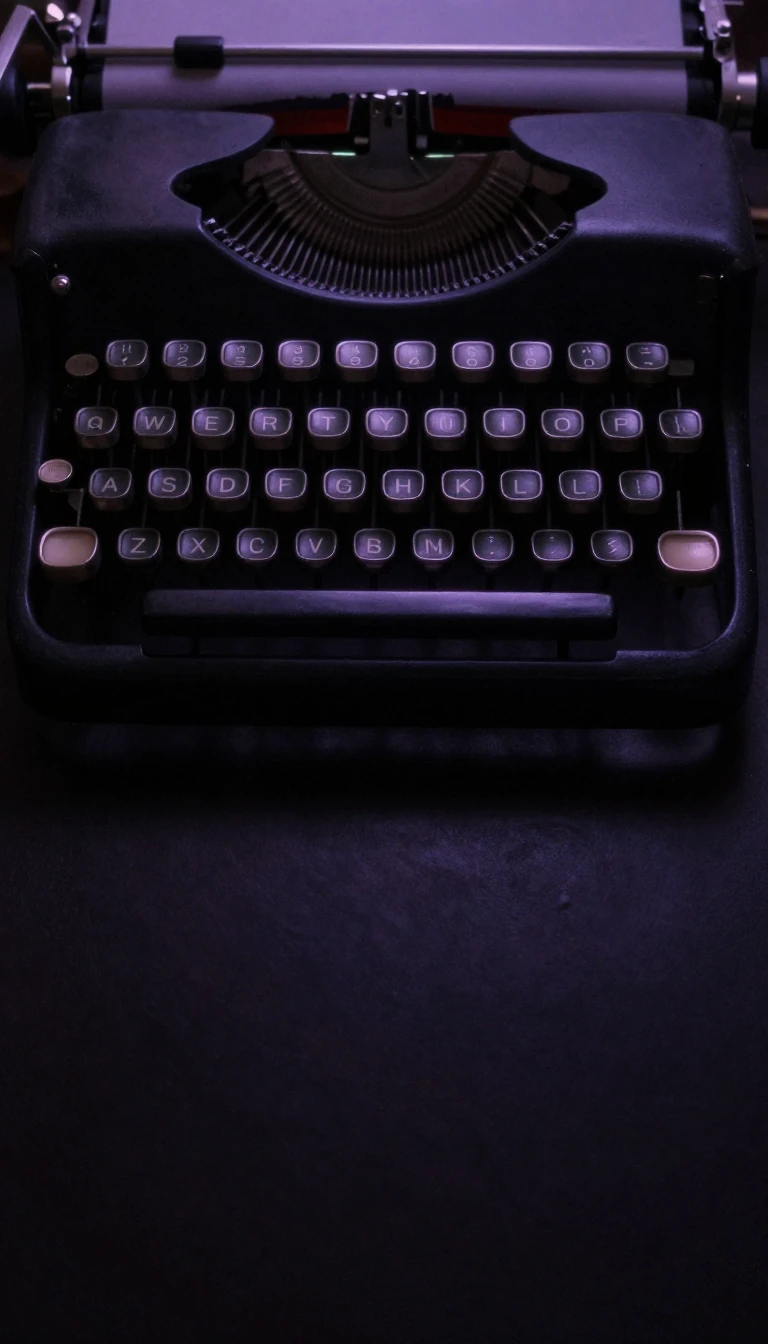
In short: When you press a key, your computer doesn't actually see a letter. It only sees a scancode representing a row and column. The magic happens in a hidden translation layer, where software decides whether that press becomes an 'A', a symbol, or a command.
Modern keyboards operate through a layered architecture of physical, visual, and functional design. While the physical layout refers to the positioning of switches, the functional layout—known as keyboard mapping—is handled by the operating and software layers. When a key is pressed, the hardware sends a scancode to the operating system (OS). This code is agnostic to the character engraved on the keycap; it simply reports a specific row and column. The OS then uses a 'scancode to character' conversion table to translate that signal into a specific binary character code.
This separation allows for immense flexibility. A single physical keyboard can be dynamically remapped to different languages or use cases without any hardware changes. For instance, while the alphanumeric core of a keyboard remains relatively stable due to the high cost of retraining touch-typists, the mapping of symbols and modifiers can change. In many non-English Latin-alphabet keyboards, the AltGr key is used to access third and fourth-level symbols, such as diacritics, which might be unmarked on the physical keycap.
The history of these layouts is a study in technological evolution and path dependency. The QWERTY layout, developed by Christopher Latham Sholes in the 1870s, was popularized by the 1874 Remington No. 1 typewriter. Over decades, features were layered on: the Remington No. 2 introduced the shift key in 1878, while the 1961 IBM Selectric and the 1985 IBM Model M helped standardize the placement of function and modifier keys. Even today, the ubiquity of QWERTY persists because the 'switching cost' of retraining the human muscle memory is often higher than the benefit of adopting more efficient alternatives.
Opens the Intellect+ feed with this card first. Swipe up for the next one.
Sources
- Summary by Intellect · source: Keyboard layout
To cite this card, link to https://intellectplus.co.uk/app/culture-keyboard-layout.
How we source, check and correct cards: Editorial standards.
General information, not professional advice. Spotted an error? Flag the card or see corrections and complaints.
Intellect Plus is a visual educational discovery platform for exploring fascinating facts and ideas. Brain Food, Not Brain Rot. What is Intellect Plus?
Related
More in Languages · More in Cultures · Latest · A–Z · All topics
