The KVM switch: how one set of peripherals controls an entire digital empire
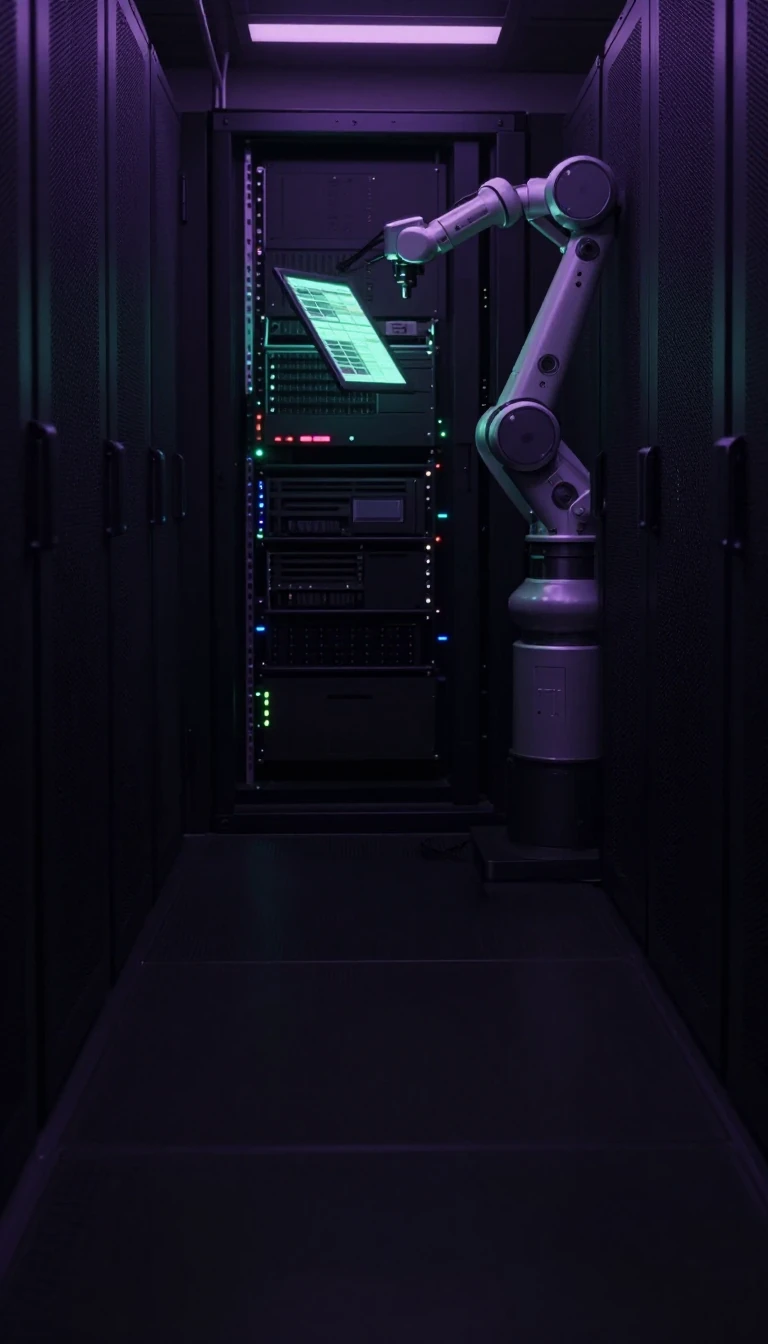
In short: A KVM switch allows you to command multiple computers using a single keyboard, monitor, and mouse. From simple mechanical rotary knobs to sophisticated enterprise systems managing over 1,000 devices, this hardware solves the clutter of modern workspaces and data centers by bridging the gap between disparate operating systems and hardware.
The acronym KVM stands for keyboard, video, and mouse. While the concept of switching peripherals between computers dates back to the late 1980s, the term was popularized in 1995 by Remigius Shatas, founder of the company Cybex. Early iterations were passive, mechanical devices that relied on physical rotary knobs to route signals. These mechanical switches are still produced today, though they suffer from limitations: they cannot easily handle modern boot-up sequences, as unselected computers may fail to detect a keyboard or mouse, leading to boot errors or default, low-resolution display settings.
Modern active KVM switches use electronic circuitry to solve these issues through peripheral emulation. By simulating a constant connection to all computers simultaneously, these devices ensure that machines remain responsive even when not currently selected. Advanced versions use Dynamic Device Mapping (DDM) to maintain the specific characteristics of modern peripherals, such as extra function keys or specialized mouse buttons, which basic emulated switches often strip away. This technology is increasingly integrated into monitors and docking stations, a trend accelerated by the rise of remote work during the COVID pandemic.
Beyond local control, KVM technology has evolved into sophisticated remote management systems. KVM over IP extenders capture and compress signals, transmitting them over Ethernet to allow control of hardware from anywhere in the world. While these systems provide immense flexibility, they introduce complexities regarding video bandwidth and monitor identification. Because monitors use DDC and EDID data to communicate their capabilities to a host, a KVM switch must carefully manage these signals. Failure to do so can cause resolution resets or prevent high-performance applications from functioning, highlighting the delicate balance between hardware convenience and signal integrity.
Opens the Intellect+ feed with this card first. Swipe up for the next one.
Sources
- Summary by Intellect · source: KVM switch
To cite this card, link to https://intellectplus.co.uk/app/culture-kvm-switch.
How we source, check and correct cards: Editorial standards.
General information, not professional advice. Spotted an error? Flag the card or see corrections and complaints.
Intellect Plus is a visual educational discovery platform for exploring fascinating facts and ideas. Brain Food, Not Brain Rot. What is Intellect Plus?
Related
More in Languages · More in Cultures · Latest · A–Z · All topics
